If you’re searching for how to set up DeepSeek on Janitor AI, you’re probably looking for a clear and simple guide that actually works. Many users face confusion when connecting DeepSeek through API keys, configuring proxy settings, or choosing the right generation parameters inside Janitor AI. The process can seem technical at first, especially for beginners who are not familiar with AI integrations.
The good news is that setting up DeepSeek on Janitor AI is much easier than it looks — once you understand the correct steps. In this detailed step-by-step guide, you’ll learn how to generate your DeepSeek API key, configure it properly inside Janitor AI, adjust the best generation settings, and fix common setup errors. Whether you want smoother conversations, better roleplay responses, or more advanced AI performance, this guide will help you get everything running correctly.
By the end of this article, you’ll have DeepSeek fully connected and optimized for the best possible experience on Janitor AI.
What Is DeepSeek?
DeepSeek is an advanced AI language model that allows users to generate human-like responses, creative content, and intelligent conversations. It works through an API, which means you need an API key to connect it with third-party platforms like Janitor AI.
Many users prefer DeepSeek because:
- It offers strong reasoning capabilities
- It provides fast responses
- It is often more flexible than other models
- It works well for roleplay and conversational AI
If you’re exploring different AI tools and integrations, you may also be interested in our detailed guide on ZipTie AI Search Analytics.
What Is Janitor AI?
Janitor AI is a character-based AI chatbot platform where users can interact with AI personalities. To unlock advanced responses and better performance, Janitor AI allows users to connect external APIs like DeepSeek.
Without connecting an API, functionality may be limited.
Requirements Before Setting Up DeepSeek
Before starting the setup process, make sure you have:
- A Janitor AI account
- A DeepSeek account
- A valid DeepSeek API key
- A proxy (if required in your region)
- Stable internet connection
Once you have these ready, you can proceed.
Step 1 – Create a DeepSeek Account
- Go to the official DeepSeek website
- Sign up using your email
- Verify your email address
- Log in to your dashboard
After logging in, you’ll need to generate an API key.
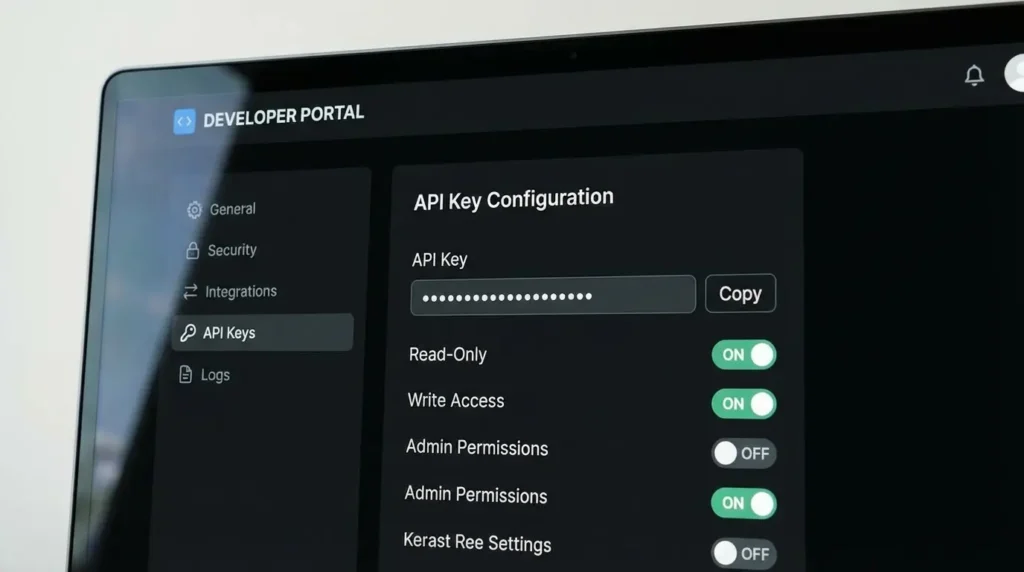
Step 2 – Generate Your DeepSeek API Key
- Open your DeepSeek dashboard
- Navigate to the API section
- Click “Create New API Key”
- Copy the generated key
- Save it securely (do not share publicly)
This API key will connect DeepSeek to Janitor AI.
Step 3 – What Is a Proxy on Janitor AI?
A proxy acts as an intermediary between your device and the API server. Some APIs require a proxy to function properly inside Janitor AI.
You may need a proxy if:
- DeepSeek is restricted in your region
- You experience connection errors
- Janitor AI requests proxy configuration
Always use a reliable and secure proxy service.
Step 4 – Configure DeepSeek on Janitor AI
Now comes the main setup process.
- Log in to your Janitor AI account
- Go to Settings
- Navigate to API Settings
- Select “Custom API”
- Paste your DeepSeek API key
- Enter proxy details (if required)
- Save changes
After saving, test the connection.
If everything is correct, DeepSeek should now be active.
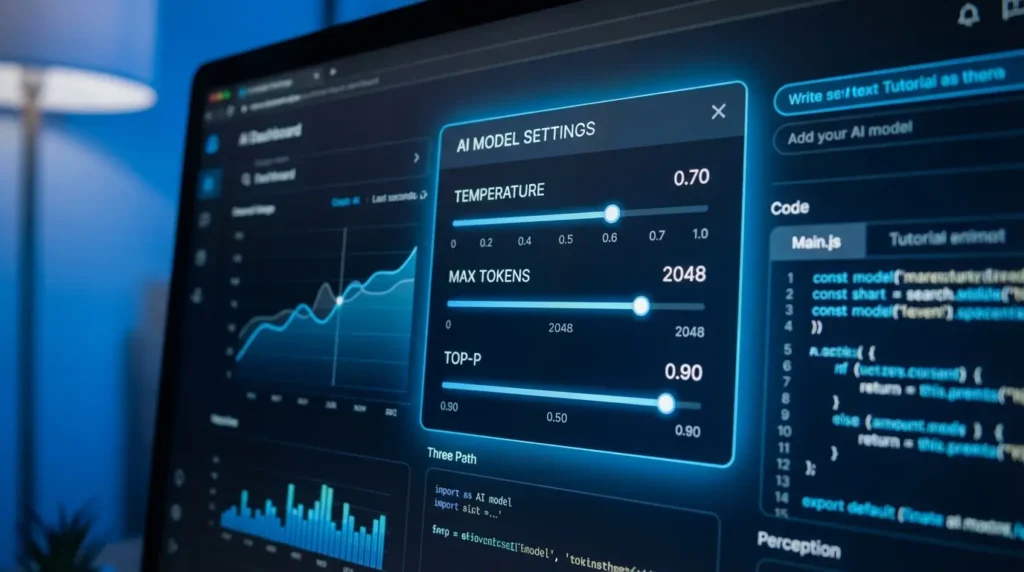
Step 5 – Choose the Best API Settings for Janitor AI
To improve performance, adjust these settings:
- Temperature: 0.7 – 0.9 (balanced creativity)
- Max Tokens: 1000–2000
- Top-P: 0.9
- Presence Penalty: 0.5
These settings help produce natural and engaging responses.
Best Generation Settings for Janitor AI
For smoother roleplay and conversation:
- Use moderate temperature
- Avoid extremely high randomness
- Adjust token limits based on response length
- Test multiple configurations
Experimentation helps find optimal performance.
Common Errors and How to Fix Them
Connection Error:
- Recheck API key
- Confirm proxy details
Invalid API Key:
- Regenerate a new key
No Response:
- Check token limits
- Verify API status
Final Thoughts
Setting up DeepSeek on Janitor AI may seem technical at first, but once you follow the steps carefully, the process becomes simple. By generating a valid API key, configuring proxy settings if needed, and optimizing generation settings, you can significantly improve your Janitor AI experience.
With the right configuration, DeepSeek delivers powerful and intelligent responses that enhance conversations and creative interactions.
Frequently Asked Questions (FAQ)
How do I get a DeepSeek API key?
To set up DeepSeek on Janitor AI, the first step is generating a DeepSeek API key from the official DeepSeek platform.
Here’s how you can get it:
- Visit the DeepSeek official website.
- Sign up or log in to your account dashboard.
- Navigate to the API or Developer section.
- Click on Create New API Key.
- Copy the generated key and store it securely.
This API key acts as a secure authentication token that connects Janitor AI with DeepSeek’s large language model. Without a valid DeepSeek API key, Janitor AI cannot generate AI responses.
Always keep your API key private and never share it publicly in forums or screenshots.
Do I need a proxy for Janitor AI?
Whether you need a proxy for Janitor AI depends on your geographical location and API provider restrictions.
In most cases:
- If your region allows direct API access, you may not need a proxy.
- If the API provider restricts access in your country, a proxy server may be required to establish a stable connection.
A proxy acts as a middle layer between Janitor AI and the API provider, helping bypass network limitations or firewall restrictions.
However, beginners should:
- First try connecting without a proxy.
- Only configure proxy settings if connection errors occur.
Using a secure and reliable proxy is important to maintain performance and protect your API credentials.
What is the best API for Janitor AI?
Choosing the best API for Janitor AI depends on performance, response quality, pricing, and reasoning ability.
Currently, DeepSeek API is considered one of the strong options because:
- It offers advanced reasoning capabilities
- It handles long-form conversations effectively
- It provides competitive pricing compared to other APIs
- It works well with roleplay and creative AI setups
Other APIs like OpenAI and Claude may also be used, but many users prefer DeepSeek for balanced performance and cost efficiency.
Before selecting an API, compare:
- Token limits
- Response speed
- Temperature & generation settings
- Monthly usage cost
Selecting the right API improves your overall Janitor AI experience and ensures smoother AI-generated conversations.
Is DeepSeek free to use on Janitor AI?
DeepSeek may offer limited free access depending on its current pricing model. However, most advanced features require API usage, which is typically paid based on token consumption. Always check the official DeepSeek pricing page for updated details.
Why is my DeepSeek API not working on Janitor AI?
If your DeepSeek API is not working, it could be due to an invalid API key, incorrect proxy configuration, or exceeded token limits. Double-check your API key and ensure that all settings inside Janitor AI are correctly configured.
What are the best temperature settings for DeepSeek on Janitor AI?
For balanced and natural responses, a temperature between 0.7 and 0.9 works well. Lower values make responses more predictable, while higher values increase creativity but may reduce accuracy.
Can I use DeepSeek without a proxy on Janitor AI?
Yes, in most regions you can use DeepSeek without a proxy. However, if you experience connection errors or regional restrictions, you may need a reliable proxy service to establish a stable connection.
Is DeepSeek better than other APIs for Janitor AI?
DeepSeek is known for its strong reasoning abilities and conversational flow. However, the best API depends on your use case, whether you prioritize creativity, roleplay depth, speed, or cost efficiency.